How do I use the function?
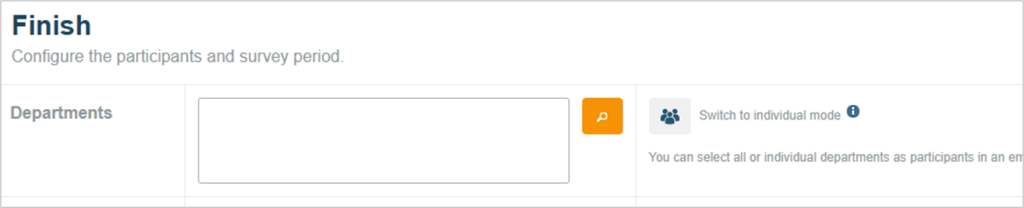
In the “Finish” tab when starting a survey, you can switch from the classic selection window for departments to individual mode.
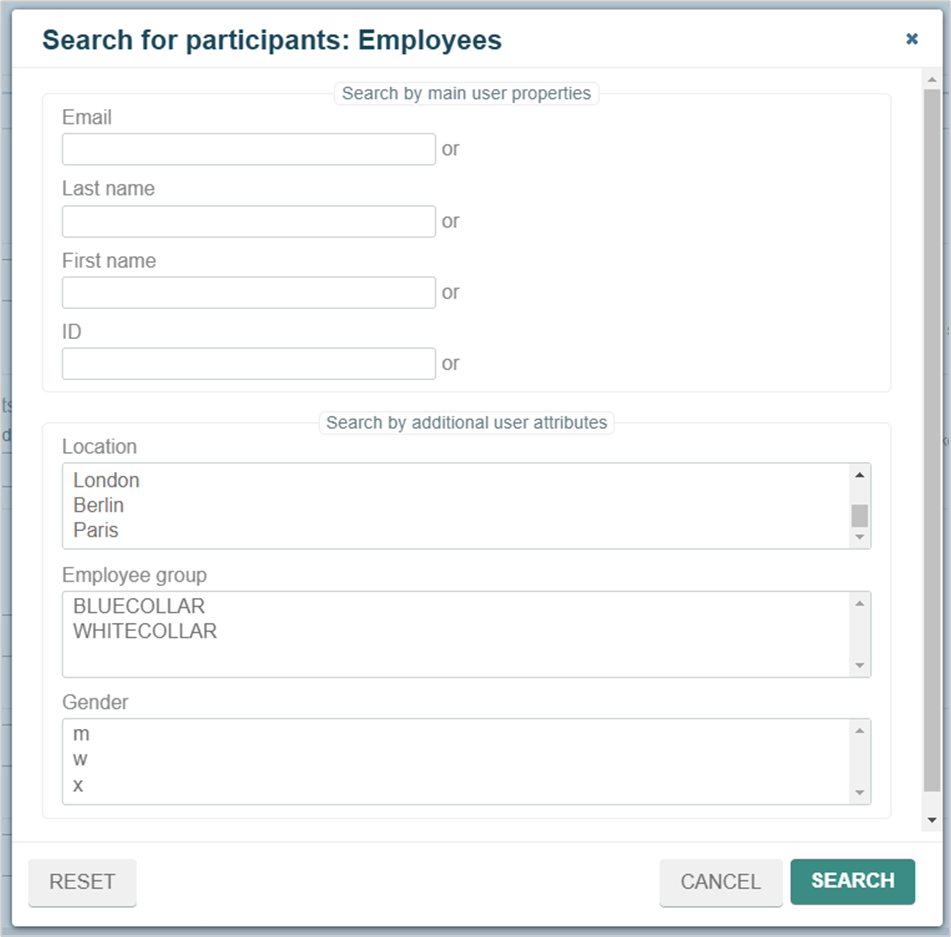
In the resulting window, individuals as well as teams and target groups can now be invited to take part in an employee or pulse survey. The search function supports the search via email, name, ID or user attributes.
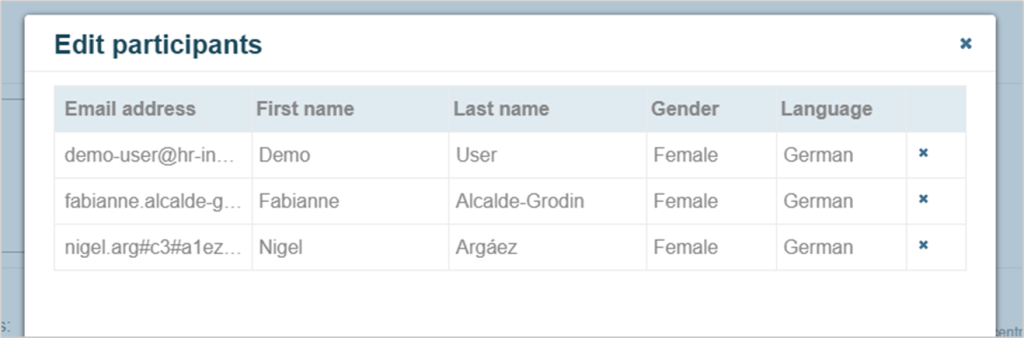
The “Edit participants” button opens a list view of all selected participants with their characteristics. Information can be added where necessary.
When do I use the function?
The individual mode is an alternative to the classic invitation by department. In this way, surveys can be created that only reach individual teams or groups of people with certain characteristics. We recommend working with target groups, which can also be defined as participants here.
Example of an invitation via individual mode
A fictitious company wants to set up a permanent survey for female employees with management responsibility in order to create a mouthpiece for challenges in everyday working life.
Step 1: Create target group
Create a new target group in the “Target group” tab, select the entire company and specify the group of people using the user attributes.
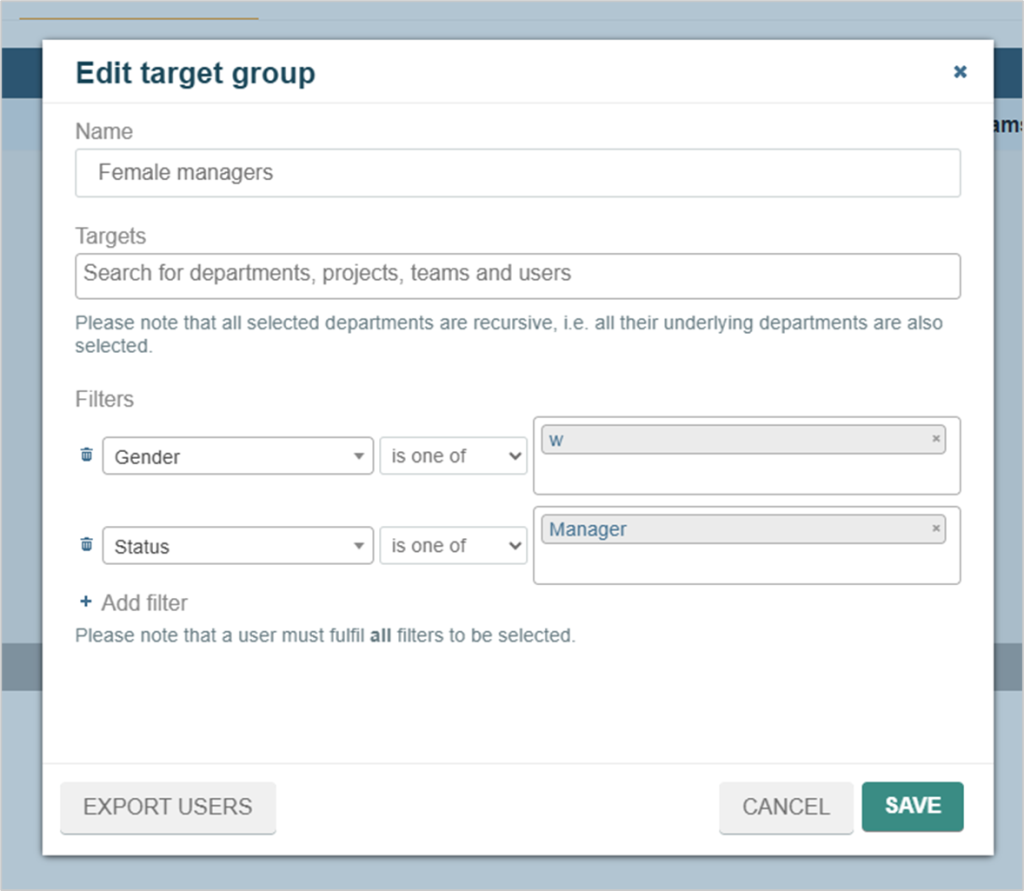
Step 2: Start the survey in individual mode
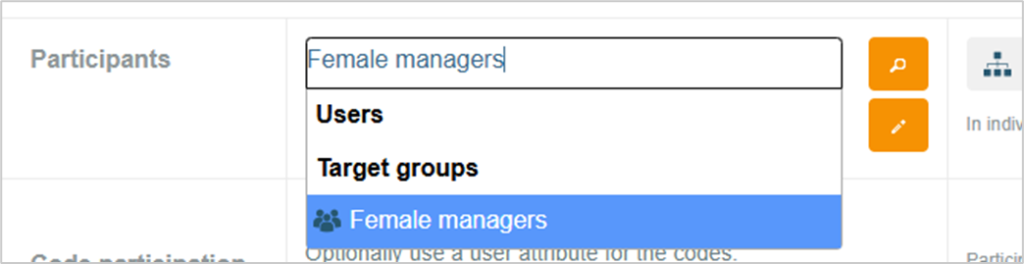
When starting a survey, switch to individual mode and find and select the target group by name.