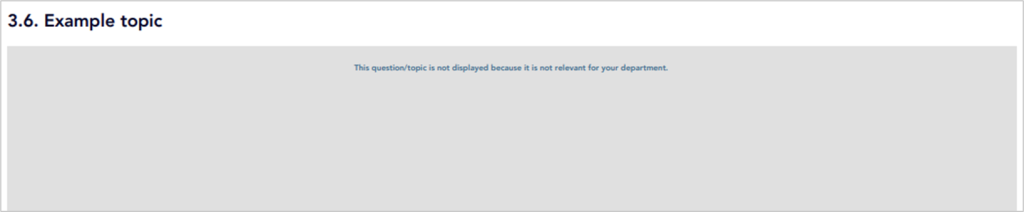
How do I add a topic filter in the template editor for specific departments?
Step 1: Select the topic for which you want to insert the department filter.
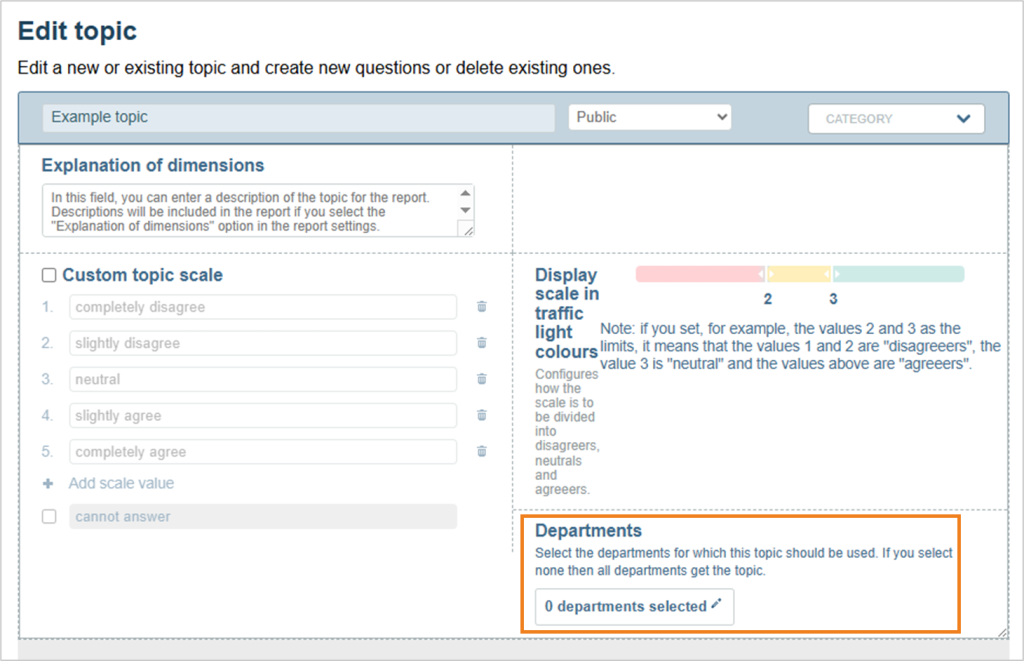
Edit the theme in which you want to insert the department filter. Click on the pencil in the top right-hand corner to open the advanced settings for the theme.

The following settings are then visible. At the bottom right you will find the filter for departments.
Step 2: Select departments for the topic
- If no department is selected (= default selection), the topic is automatically activated for all departments.
- To display the topic only to participants from certain departments, select these departments here.
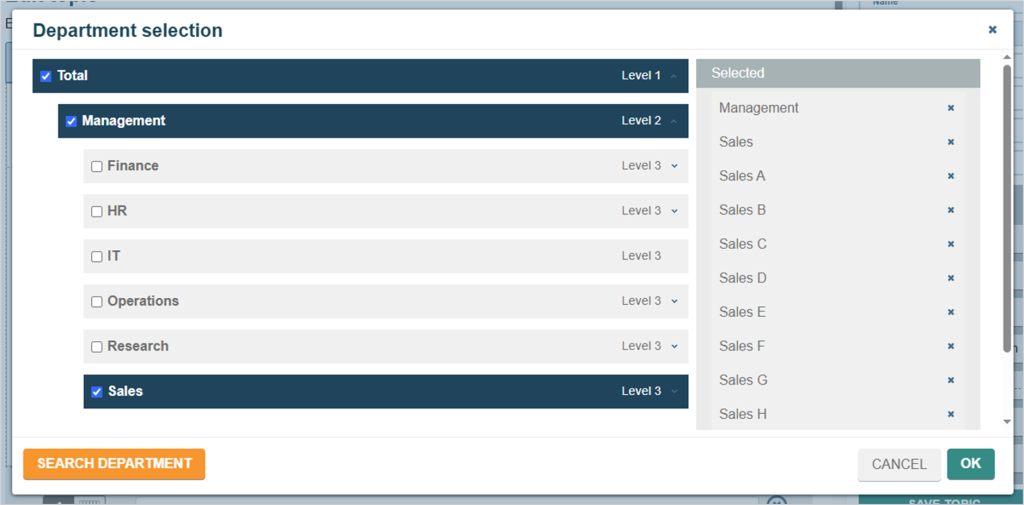
- A new window opens when you select the department. You can search for departments here or select the desired department(s) from the department structure.
- The selection of departments is recursive: If you select a department, its sub-departments are also automatically selected.
- You can see which departments are selected in the right-hand column. You can deselect individual departments again.
In the example screen, the “Sales” department has been selected. The “Sales A”, “Sales B”, “Sales C” etc. are all sub-departments of “Sales” and have also been selected.
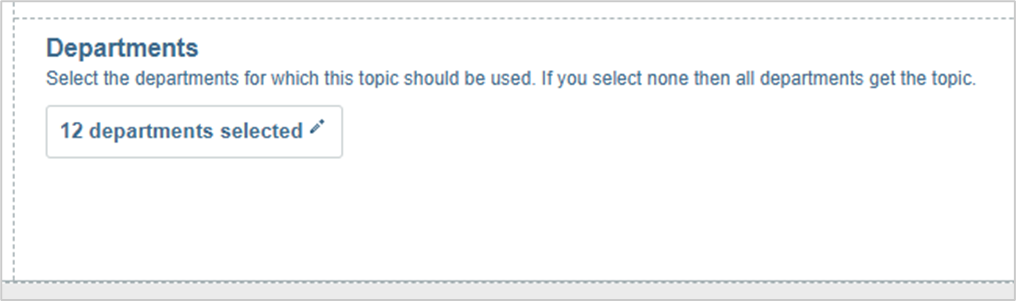
Once you have selected the relevant departments, their number is displayed in the filter.
How do topic filters affect the reports?
The topic to which a department filter has been applied is evaluated like the other topics and displayed in the reports.