How do I use this function?
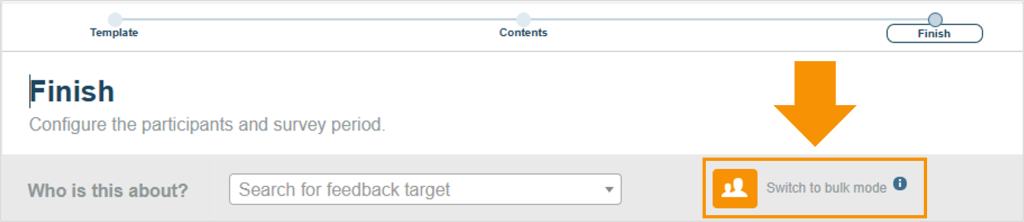
In the “Finish” tab when starting a survey, you can switch from single target mode into the bulk mode
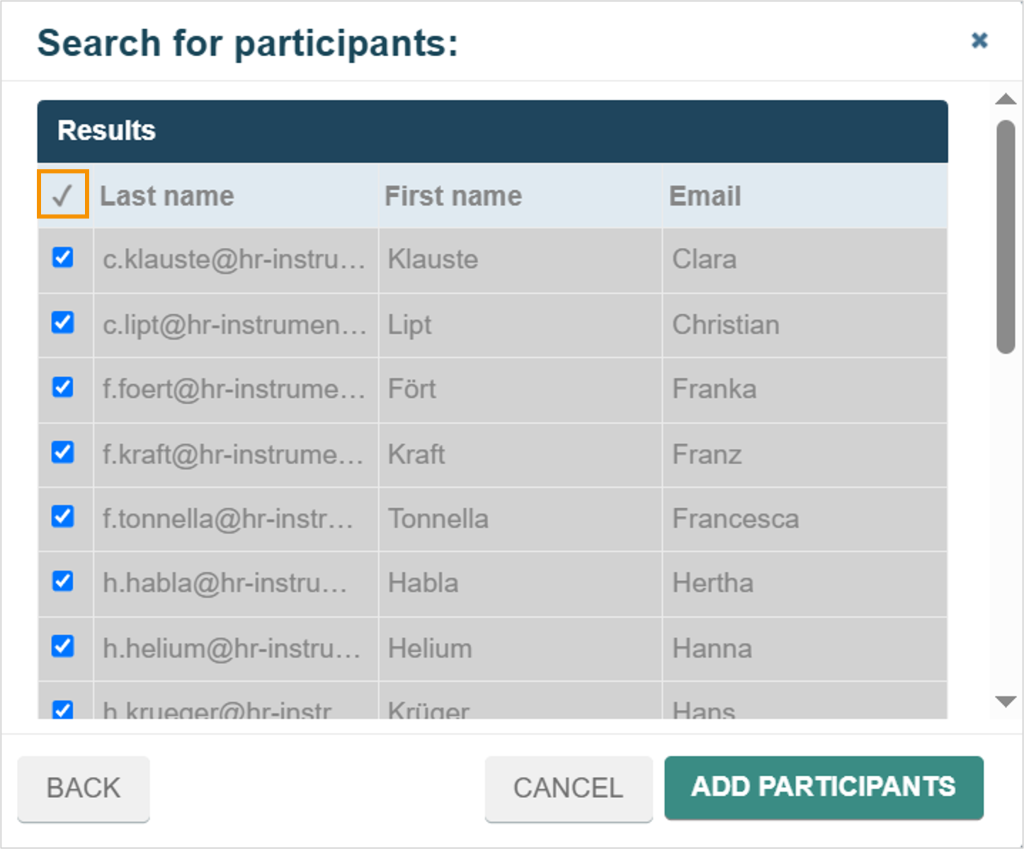
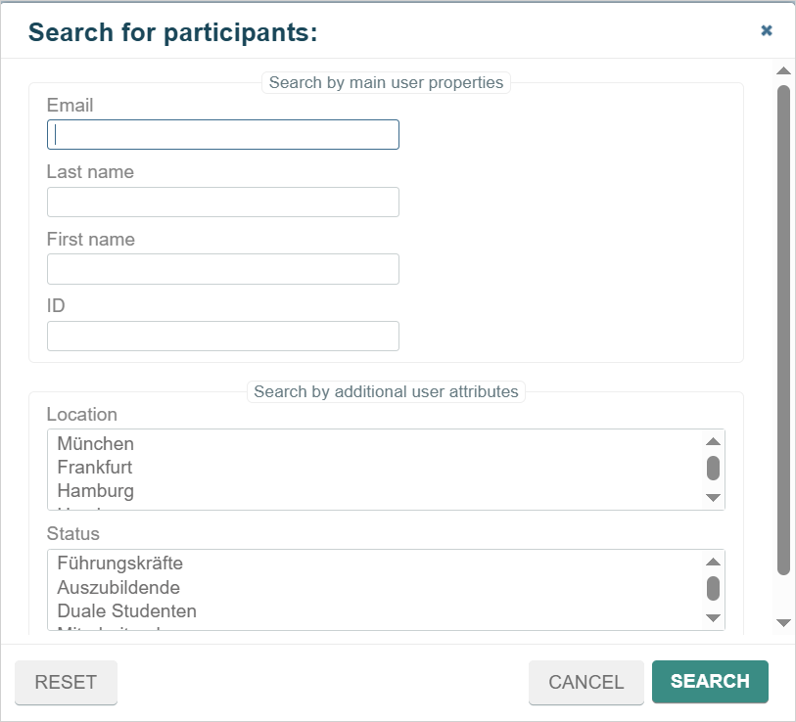
In the new mask, multiple users, teams, and target groups can be added and invited to the survey. The search function allows users to be found by name, email address, or ID, or filtered based on specific attributes.
The bulk mode allows surveys to be created for multiple feedback recipients simultaneously, rather than setting up individual surveys in single mode. Selecting by target groups and attributes enables surveys to be launched for feedback recipients who share common characteristics.
Exemple on how to start a feedback in bulk mode
A fictional company wants to launch 360° feedback for all managers simultaneously to support their development process. The bulk mode function enables the organization to initiate these feedback sessions across the company efficiently and with just a few clicks.
The feedback targets can either be added all at once or selected individually.