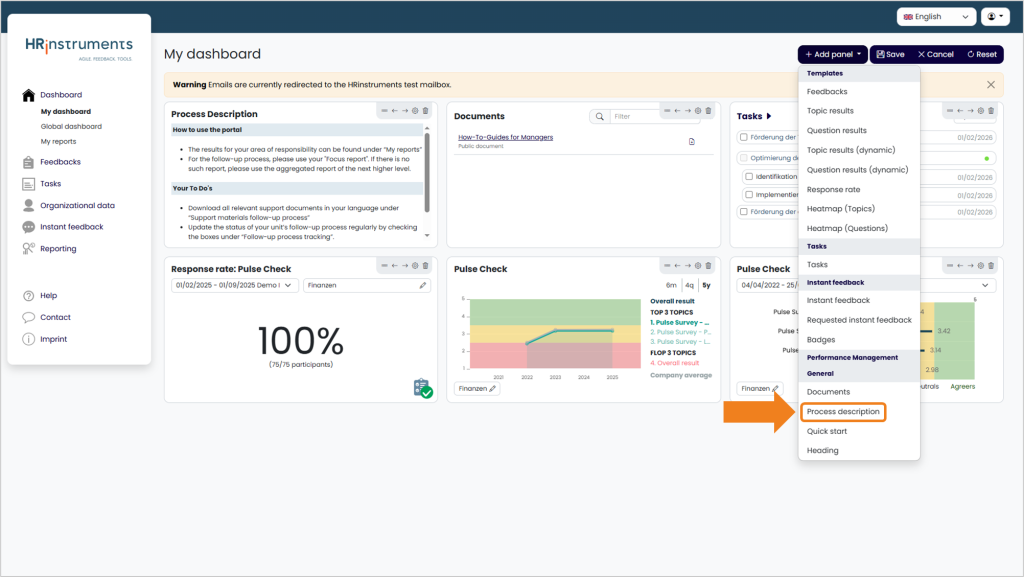
When editing the dashboard, the “Process description” panel can be added.
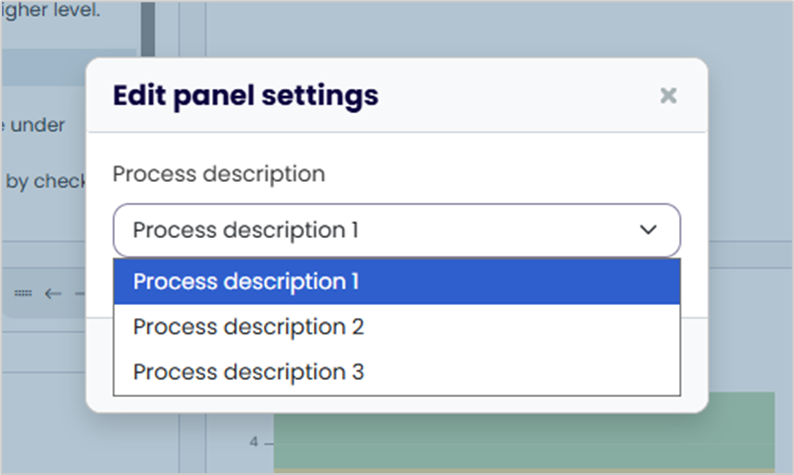
You can then select one of three templates to be displayed in the tile.
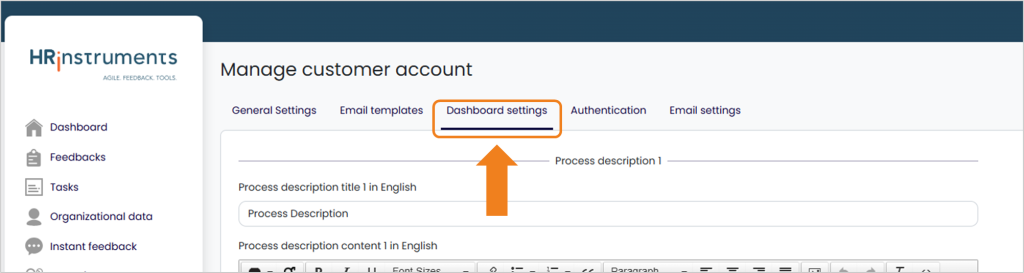
The content can be customized via the customer account. To do this, navigate to the “Dashboard settings” tab via “Customer account.”
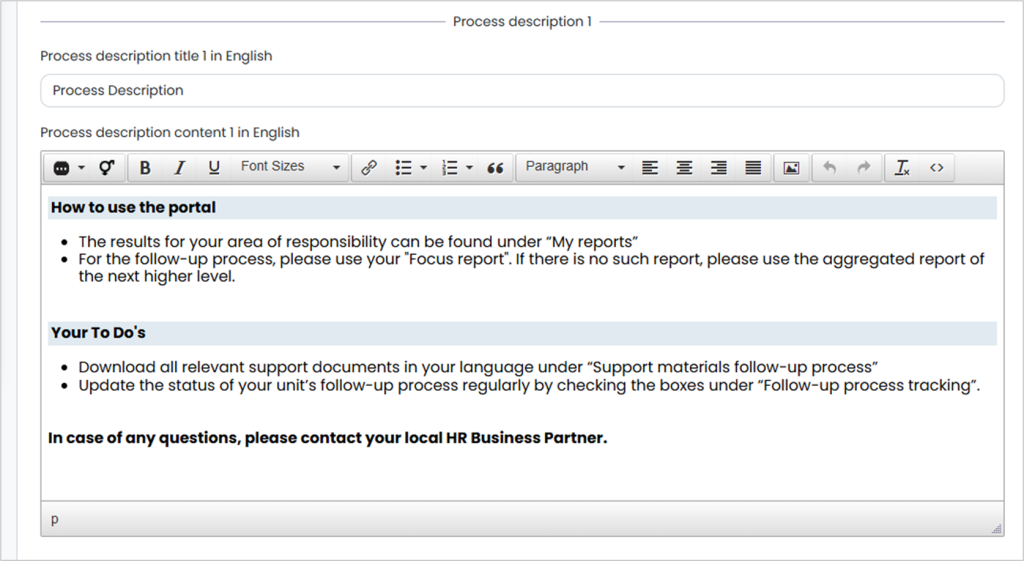
Here, both the name of each template and its content can be customized. A total of three templates can be filled with different content. Graphic adjustments can also be made using the “Source code” button in the toolbar.
When adding the panel, you can then choose from the three templates.