1. Home
  2. Basic functions
  3. Template editor
  4. Question types
  5. Set up a single choice question in the template editor

Set up a single choice question in the template editor

Basics

Single choice questions are questions where users can click on exactly one answer option.

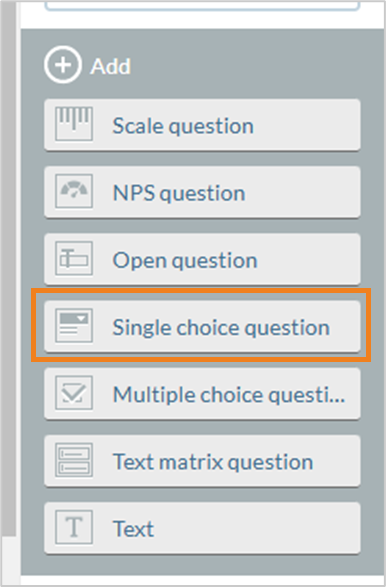
Step 1: Select single choice question

In the template under “Topics & questions” > “Edit topic”. Select “Single selection question”.
Step 2: Configure single selection question

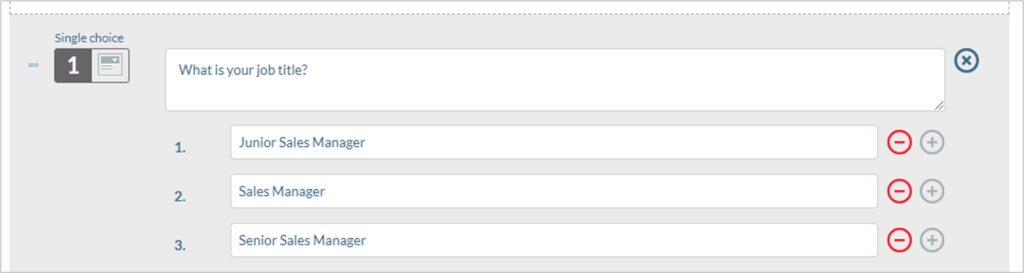
A configuration of a single choice question and the survey preview can look as follows: