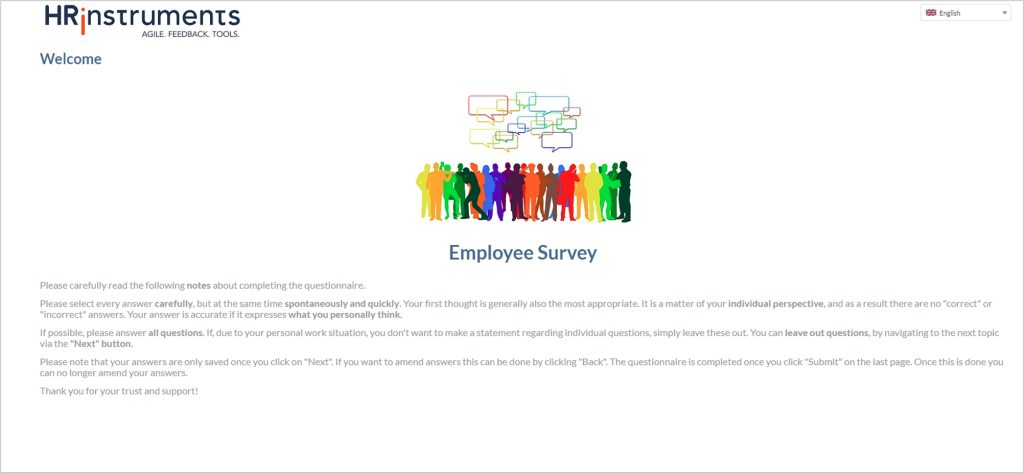
Participant types
This option can be used to specify the name under which different types of participants are to be displayed. The name appears, for example, when starting a survey and in evaluations.
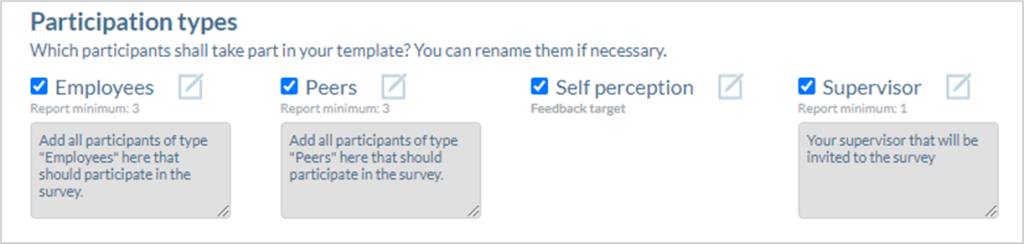
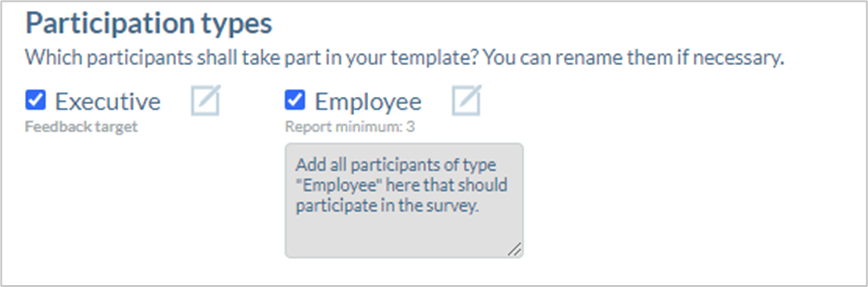
The participant type can be selected or deselected using the checkbox to the left of the name.
The pencil icon can be used to edit the participant type. This allows the name to be adjusted and the text in the window below to be changed.
The defined report minimum is displayed between the name and the text window. If this needs to be adjusted, please get in touch with your contact person at HRinstruments.
The text window below defines the description text that is displayed under the participant type when the survey is started:
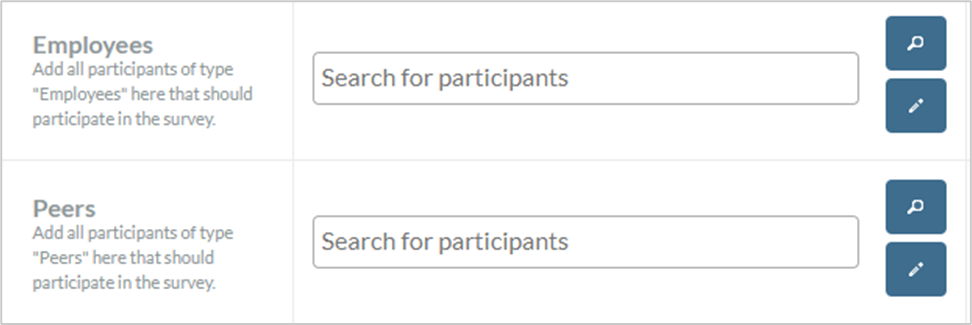
Employee or pulse survey
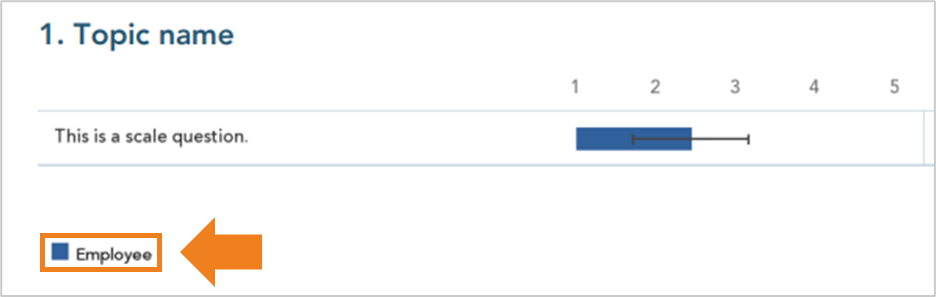
There is only one participant type for employee or pulse surveys. The standard designation is “Employee”.
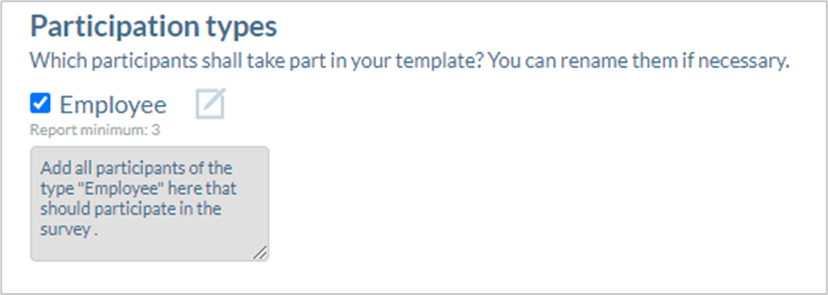
As there is only one participant type, this is not displayed when the survey is started.
The designation is nevertheless relevant for the legend in the reports:
360° Feedback
There are four to six participant types for team surveys. Four participant types are activated by default. To activate additional participant types, please get in touch with your contact person at HRinstruments.
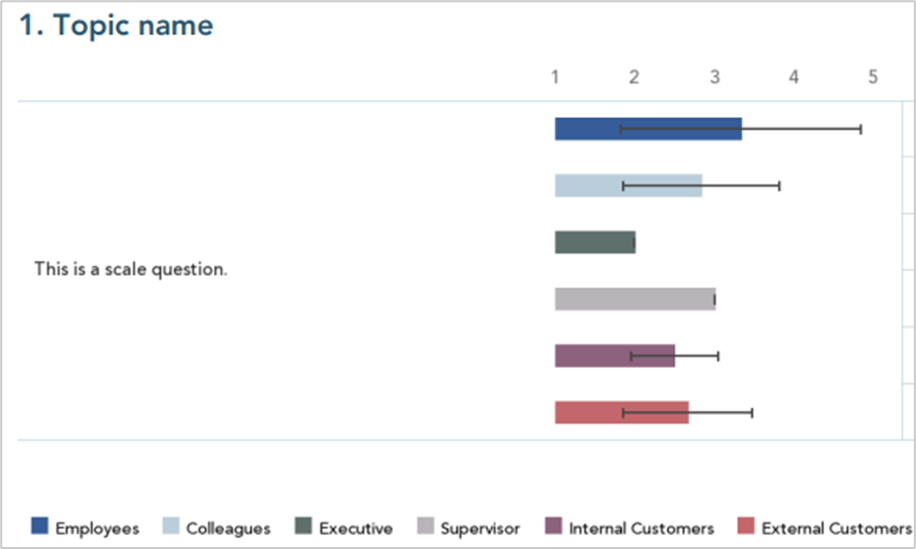
The standard designations are “Employees”, “Colleagues”, “Executive” (corresponds to the self-assessment), “Supervisor”, “Internal customers” and “External customers”.

The name of the participant types is displayed in the report legend, among other things:
Performance Evaluation
There are three types of participants in performance evaluation. The standard designations are “Supervisor”, “Employee” (corresponds to the self-assessment) and “Additional feedback provider”.

The names of the participant types are displayed in the report legend.
Team survey
There are two types of participants in team surveys. The standard designations are “Colleagues” and “Executive”.
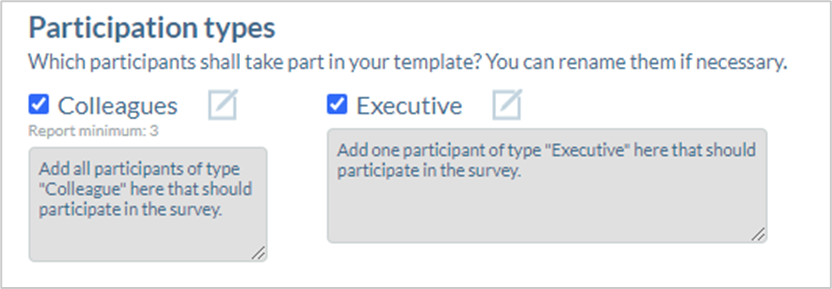
The names of the participant types are displayed in the report legend.
Peer-Feedback
There are two types of participant in peer feedback. The standard designations are “Colleagues” and “Self assessment”.
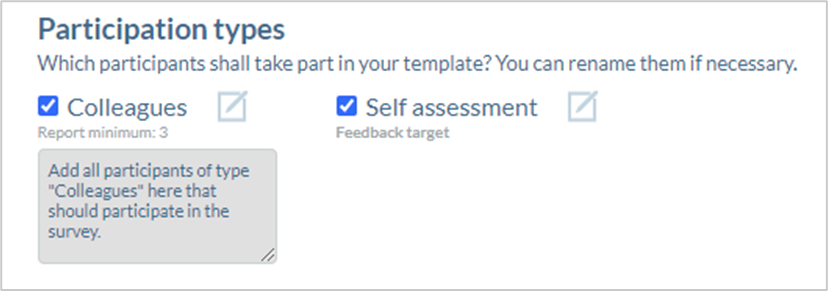
The name of the participant types is displayed in the report legend.
Feedback for executives & feedback for higher executives
There are two types of participant in feedback for executives & higher executives. The standard designations are “Executive” and “Employee”.
The name of the participant types is displayed in the report legend.
Graphics
Among the participant types, graphics can be selected both for the header of the survey and for the cover sheet of the survey.
Image for the header

The image for the header is displayed in the header on every page during the survey and in the report.
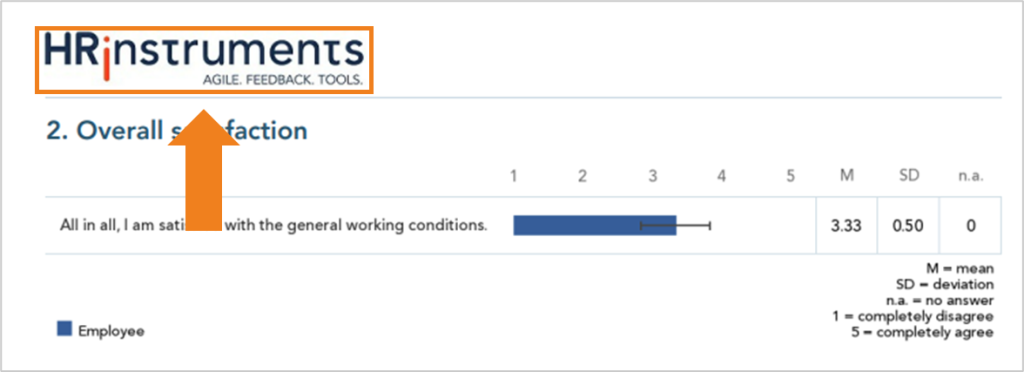
Image for the cover
The picture for the cover page is shown on the first page of the survey and the cover page of the report.