
My dashboard
The “My dashboard” tab is your personal dashboard. Here you will find information on processes with survey results, instant feedbacks, tasks and goals.
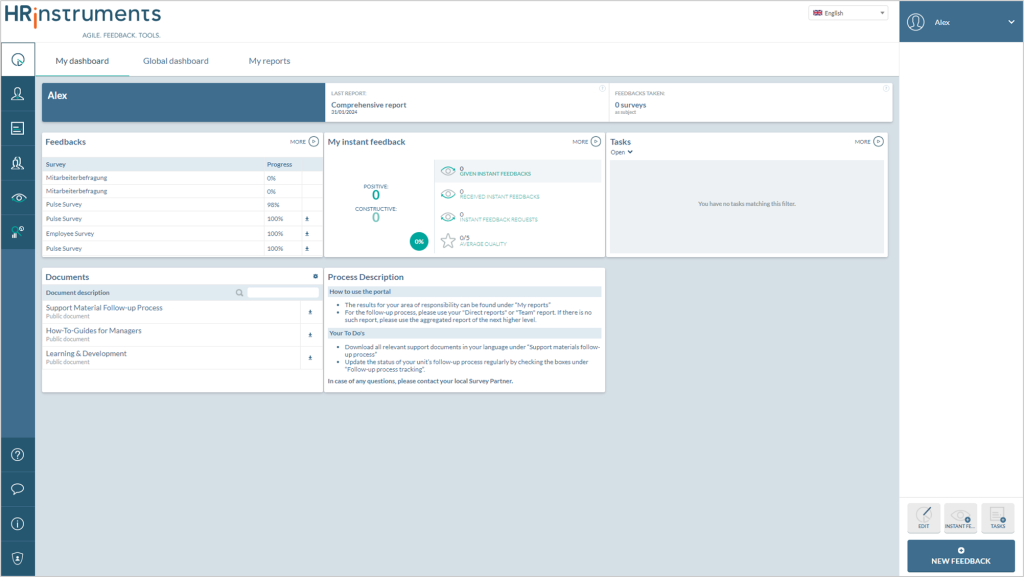
Right of the blue panel with the name, there are two text boxes with shortcuts.

The “Latest report” text box provides access to the latest report available. Clicking on the report type highlighted in blue below automatically starts the download of the latest report as a “pdf” file.
To the right, you can see how many surveys you have been invited to as a feedback recipient – e.g. as part of 360° feedback.
Global dashboard
The “Global dashboard” is accessible to HR and other authorized users. Here you have an overview of the overall results of all feedback and surveys.
An authorized user can access the global dashboard with the overall result and at the same time view their own result in “My dashboard”. (Example: 360° feedback or employee survey)
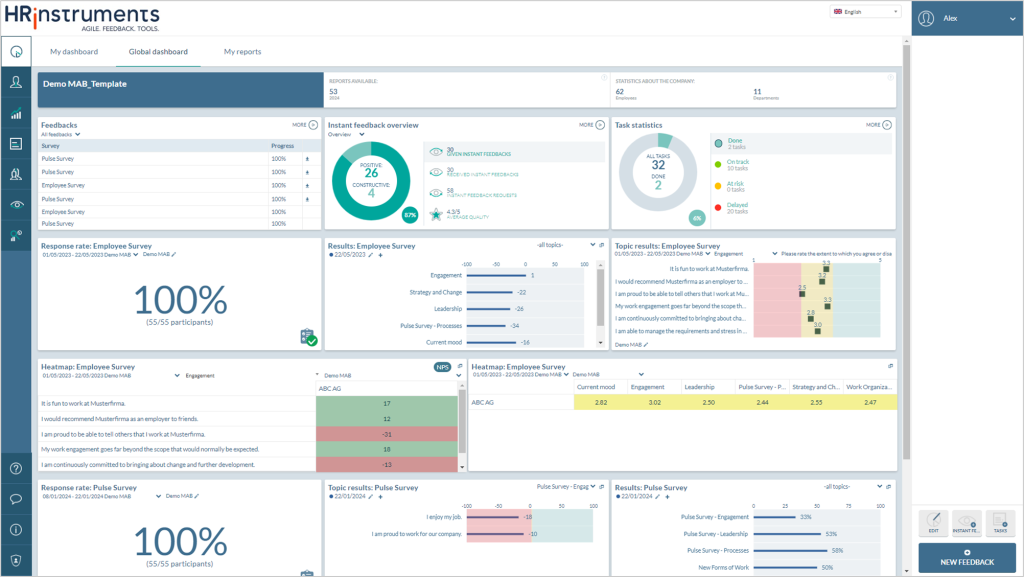
Dashboard panels
There are three buttons at the bottom right of both dashboards.
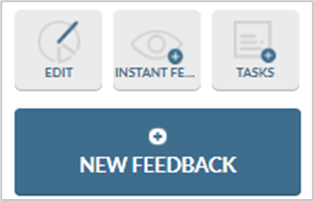
The individual dashboard panels can be edited using the “Edit” button.
A new instant feedback can be created with “Instant feedback” and new tasks can be created with “Tasks”.
The large “New feedback” button can be used to switch to the template dashboard, where a new template can be created.