Formulate invitation and reminder text
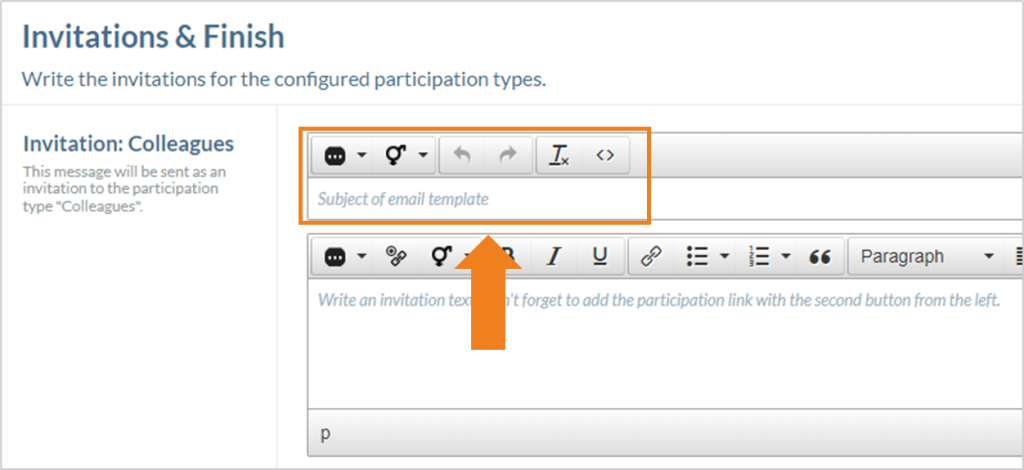
On this last page of the editor, a text for the invitation email and a text for the reminder email can be formulated and defined for each participant type specified. The subject of the email can first be entered in the upper text field.
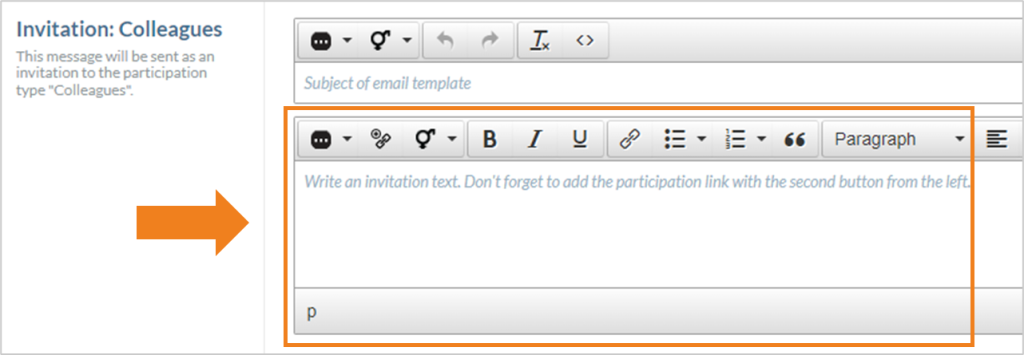
The actual mail text can be formulated in the text field below. Detailed information on the toolbar of the text field can be found here.
The arrangement of the text fields is identical for the invitation and the reminder.
Save created template or changes
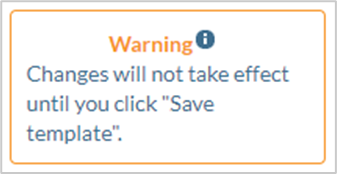
The following warning appears at the bottom right of the screen when a template is created or when any adjustments are made to the template:
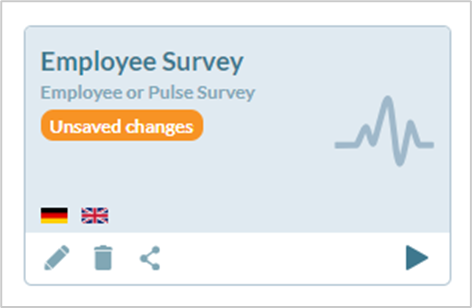
A warning about unsaved changes is also displayed in the template overview.
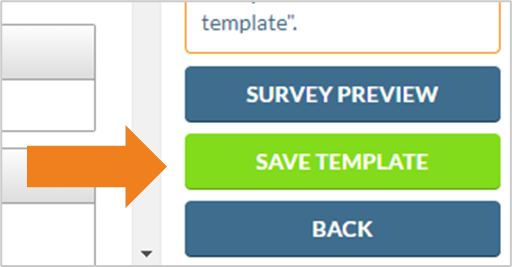
To save a new template or all changes made to an existing template, click on the “Save template” button in the “Invitations & Finish” tab at the bottom right of the screen.